



1Introduction
This is the Privacy Policy and Terms of Use for TechRef, an iOS app developed by Flying Dev Lab (空飛ぶ研究室).
TechRef is a unit conversion, engineering reference and calculation tool for technical professionals. It is built on a simple principle: your data belongs to you. It stays on your device and in your own iCloud account, and the Studio never receives it.
Please read this page before using the App. The Terms of Use section describes important limitations on how the App's output should be used.
2Data Stored on Your Device
All data you enter stays on your device and in your own iCloud account. TechRef has no server of its own, and nothing is transmitted to the Studio.
TechRef stores the following on your device:
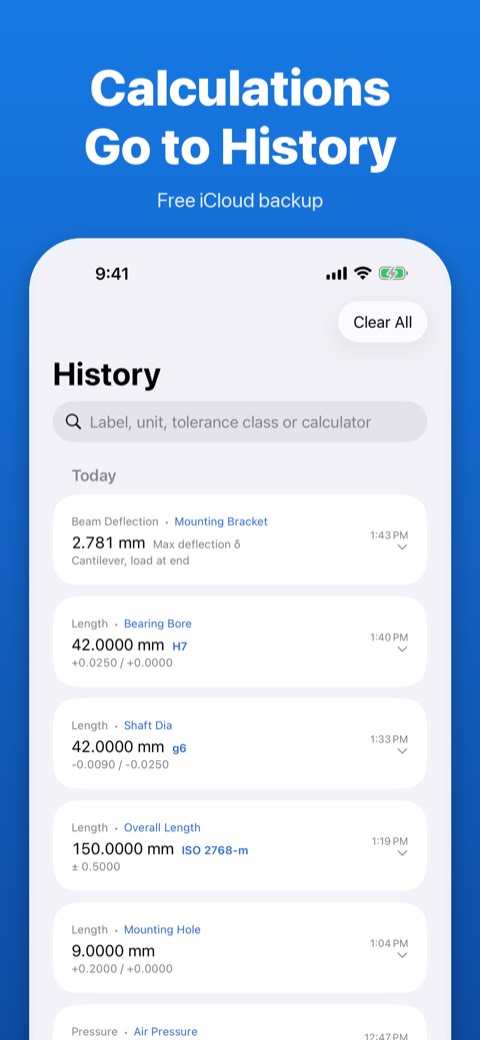
- Conversion history (values, tolerances, units, labels, memos, timestamps)
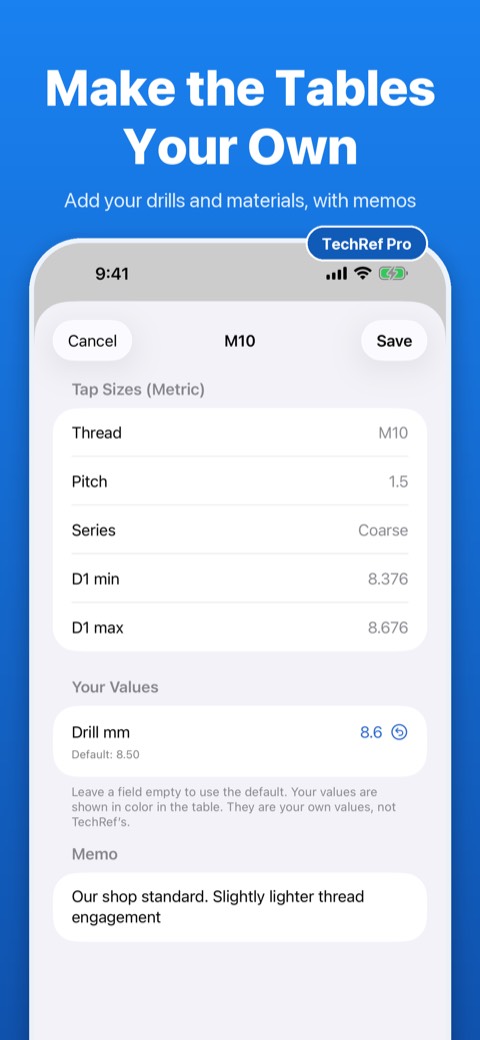
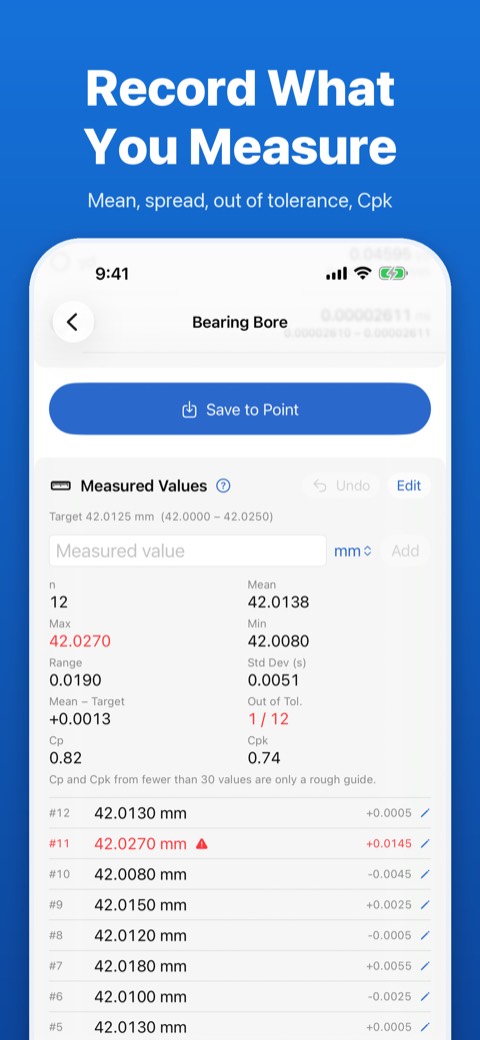
- Sheets data (part names, measurement point names, dimensions, measured values, memos)
- App settings (decimal places, appearance, language, the units, tables, materials and other items you choose to show, and the units used in the calculators)
- Information the App needs to work correctly (the number of free saves used, whether you have agreed to the terms, and which in-app tips have been shown)
Values entered in the calculators are kept only while the calculator is open and are not saved.
History and Sheets are saved as files in the App's Application Support directory. Settings are saved in the standard iOS preferences store. Deleting the App removes all of this data from your device. A backup in your iCloud account is not deleted with the App; see iCloud Backup.
The Studio has no access to any of it.
3Network Activity
TechRef's core features — unit conversion, tolerance calculation, the reference tables, the calculators, and saving your data — work entirely offline. No network connection is required to use them.
There are no analytics SDKs, no crash reporting services, no advertising SDKs, and no third-party libraries that transmit data.
The App itself connects to the network only in the following cases:
- iCloud backup and restore — your Sheets, history and settings are sent to your own iCloud account, and read back from it when you restore (see iCloud Backup). Automatic backup is on by default and can be turned off in Settings.
- Purchasing or restoring the in-app purchase — handled by Apple through the App Store (see In-App Purchases)
- Tapping a link in the App — such as the Support page, this policy, or an official standards website listed in Settings — which opens in your browser
In none of these cases is your data sent to the Studio. iCloud backups go only to your own iCloud account. Purchase traffic goes to Apple and contains none of the values you entered in the App.
Usage statistics collected by Apple. Because the App is distributed through the App Store, Apple — as the platform operator — aggregates statistics such as installs, launches, session length, and purchases, and provides them to the Studio in anonymized, aggregated form. If you have enabled diagnostic data sharing in your iOS settings, crash reports are provided in the same way. All of this is managed by Apple, and the Studio can neither enable nor disable it.
What these statistics never include: the dimensions, tolerances, part names, measurement point names, measured values, labels, memos, conversion history, or Sheets content you enter. The only copy of your data that leaves your device is the backup in your own iCloud account, which the Studio cannot access. Apple's statistics tell the Studio that the App was used — not what you calculated.
Apart from the iCloud backup, your data leaves the device only through the clipboard copy and CSV export described in Exporting Your Data, and both happen only when you choose to do it.
4iCloud Backup
TechRef backs up your Sheets (including measured values), history and settings to your own iCloud account, using the private database of Apple's CloudKit. This lets you restore your data after reinstalling the App or moving to a new device. iCloud backup is free.
- Where it is stored — in the private database of your iCloud account. It can be read only when you are signed in with your Apple Account. The Studio cannot see, access, or delete it.
- When it is sent — with Back Up Automatically on (the default), shortly after you save and when you close the App. Back Up Now in Settings > iCloud backs up straight away. If you are not signed in to iCloud, nothing is backed up.
- What is not backed up — the number of free saves used, your agreement to the terms, in-app tips, and your purchase. A purchase is restored from Apple separately (see In-App Purchases).
- Restoring — after reinstalling the App or on a new device, the App asks whether to restore the backup. Restore from iCloud in Settings > iCloud replaces the data on the device with the backup.
Turning it off and deleting it. You can turn off Back Up Automatically in Settings > iCloud in the App. The backup uses your iCloud storage. To delete it, open Settings > [your name] > iCloud > Manage Account Storage on your device and choose TechRef.
Device backups. Separately from the above, if iCloud Backup is enabled in your device settings, iOS may include TechRef's data files in your device backup, along with data from your other apps. This is a standard operating system feature managed entirely by Apple. The Studio neither initiates nor has access to these backups.
Data stored in iCloud is handled under Apple's Privacy Policy.
5Exporting Your Data
TechRef lets you take your data out of the App in two ways:
- Copy — conversion results, sheet data or measured values are placed on the system clipboard
- Save to Files — a CSV file is written to a location you choose in the Files app
Both actions are initiated by you, and the App does not send data anywhere on its own. Once data leaves the App, its handling — including where you paste it, who you send it to, and any cloud storage location you select in the Files app — is outside the App's control and is your responsibility.
If you work with dimensional data that your organization treats as confidential, please follow your own internal policies when exporting, and when deciding whether to use iCloud backup.
6Advertising and Tracking
TechRef contains no advertisements.
The App does not use the advertising identifier (IDFA), does not request App Tracking Transparency permission, and does not track you across apps or websites. There is no profiling, no behavioral analysis, and no data broker relationship of any kind.
This is a design decision, not a temporary state. TechRef is a professional tool, and it will not carry advertising.
7In-App Purchases
TechRef is free to download. Unit conversion, tolerance calculation, the drill size tables, the cutting speed and feed calculator, measured values and iCloud backup can be used without any usage limit, whether or not you purchase.
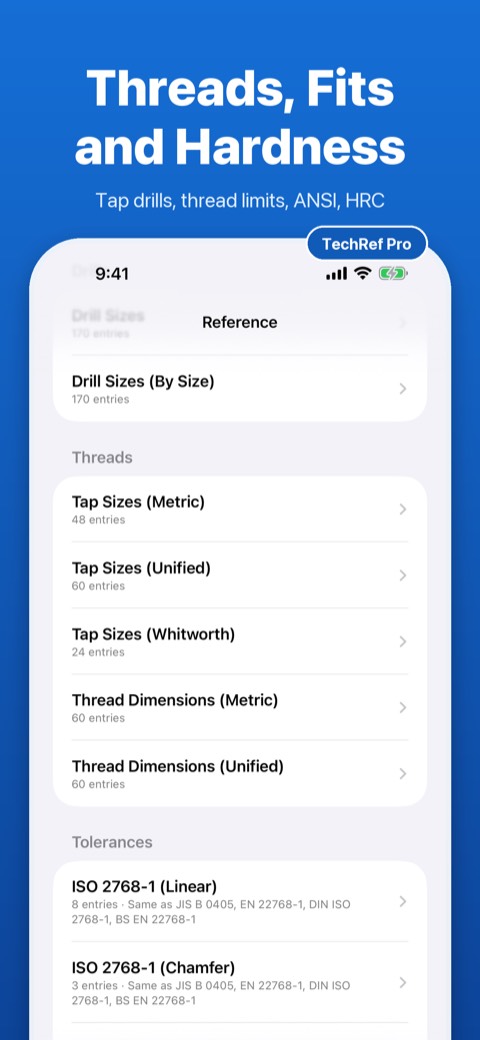
Saving new dimensions to History and Sheets is free up to a certain number of saves. Beyond that, the frequency of saving is limited. A one-time (non-consumable) in-app purchase, TechRef Pro, removes that limit permanently and unlocks additional features such as further reference tables and the engineering calculators. The specific number, the nature of the limit, the features included, and the price are shown on the App Store product page and on the purchase screen inside the App.
All payment processing is handled by Apple through the App Store. The Studio will not receive your payment details, card information, or any personal information associated with the transaction. See Apple's Privacy Policy for how Apple handles that data.
Restoring a purchase. A purchase is tied to your Apple Account, not to a particular device, and it is not part of the iCloud backup. "Restore Purchases" in Settings asks Apple whether that account holds the purchase. The query is completed between your device and Apple; the Studio neither stores nor receives your Apple Account. Use it to restore your purchase after changing devices or reinstalling the App.
Any change of this kind will be reflected on this page before it takes effect.
8Sharing of Information
The Studio does not sell, share, or transfer user information to third parties, for the simple reason that no user information is collected in the first place.
There is no data to disclose to advertisers, analytics providers, or data brokers. Your iCloud backup is stored by Apple in your own iCloud account, and the Studio cannot access it. In the event of a legally binding request from a competent authority, the Studio has no user data that could be produced.
9Children's Privacy
TechRef is a professional engineering tool and is not directed at children.
Nevertheless, because the App collects no personal information from anyone of any age, it presents no children's privacy concerns. There is no data to protect, share, or delete — for any user.
10Terms of Use
TechRef is a reference and calculation tool. It is not a substitute for official standards, engineering judgment, or verified measurement.
By using the App, you agree to these Terms of Use. If you do not agree, do not use the App.
Reference information only. Conversion factors, reference tables, material data, and calculated results provided by the App are reference information compiled with reference to officially published standards information and definitions. They are not certified data and carry no warranty of accuracy, completeness, or fitness for any particular purpose.
Verification is your responsibility. Before applying any value from the App to design, machining, inspection, or procurement, you must verify it against the applicable official standard, the controlling drawing, and your organization's internal procedures. The App is intended to assist that process, not to replace it.
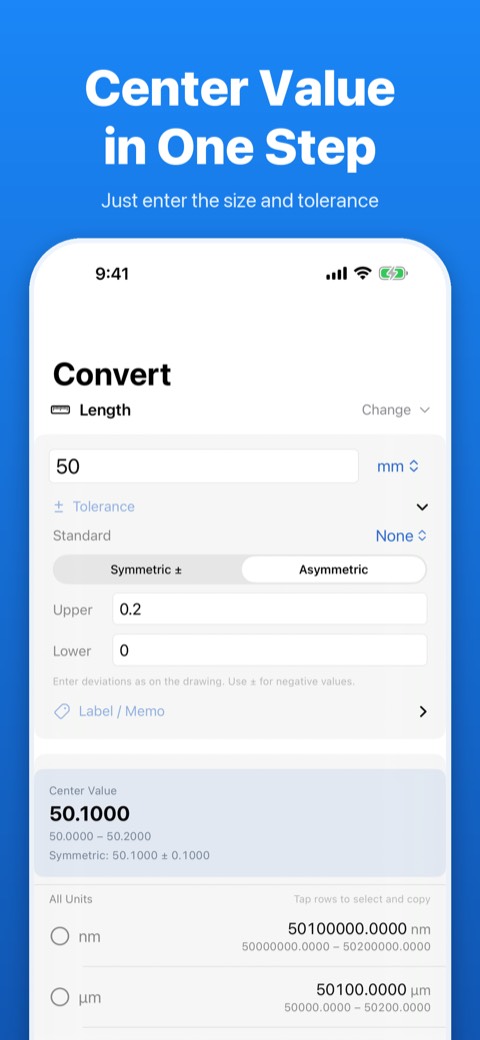
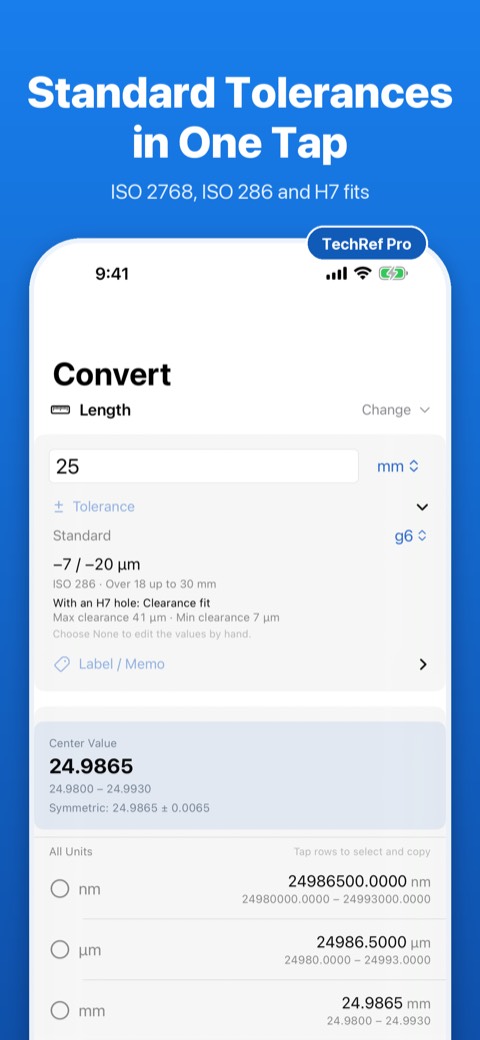
Limits of the tolerance calculation. The center value and range shown by the App are the result of arithmetic on the values you enter. The calculation does not account for machining method, tooling condition, measurement uncertainty, material properties, thermal expansion, fit class, or any other physical or process factor. A mathematically valid center value is not necessarily an appropriate machine setting.
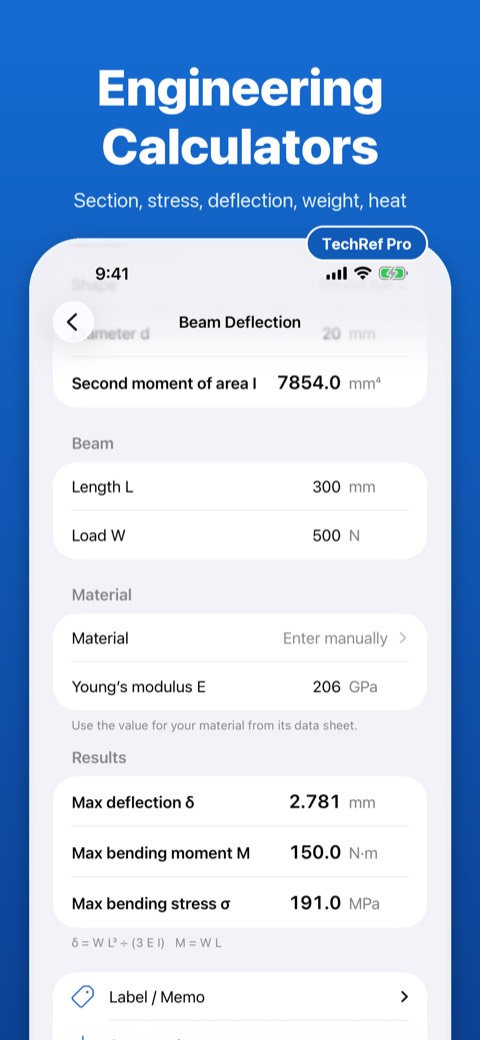
Limits of the engineering calculators. The calculators use simple textbook formulas under idealized conditions, such as a uniform section, linear elastic behavior, and the support and load conditions shown. They do not check buckling, fatigue, stress concentration, or other failure modes. Their results do not replace a strength check by a qualified person or an appropriate safety factor.
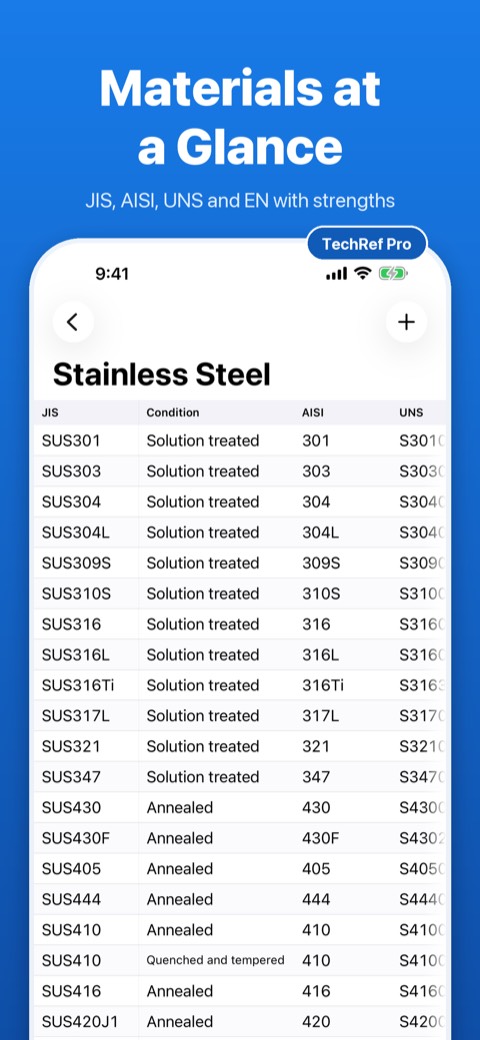
Material data. In the material tables, values marked with ≥ or ≤ are limits compiled with reference to officially published standards information. All other values, including density, Young's modulus, and thermal expansion, are representative values and are not guaranteed. Corrosion and chemical resistance ratings are TechRef's own relative ratings. Actual properties depend on the grade, condition, form, size, and supplier; check the mill certificate, the maker's data sheet, or the applicable standard.
Rounding and display precision. Results are rounded to the number of decimal places selected in Settings. Rounding may introduce error, and displayed values may differ from the full-precision internal result. Choose a precision appropriate to your tolerance band.
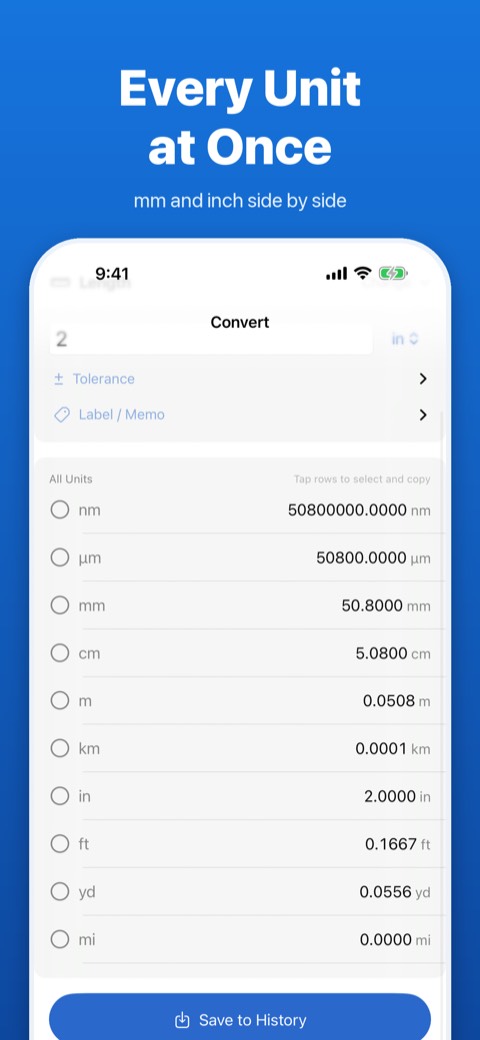
Unit selection. You are responsible for selecting the correct unit and category for your input. The App cannot detect an incorrect unit assignment.
Input errors. You are responsible for every number, unit and tolerance you enter. The App cannot detect a wrong input, and a single wrong digit can produce a result that looks plausible but is wrong. The Studio is not liable for any damage caused by input errors.
Limitation of liability. To the maximum extent permitted by applicable law, the Studio shall not be liable for any direct, indirect, incidental, or consequential damages arising from use of, or inability to use, the App — including but not limited to defective parts, rework, production delay, equipment damage, personal injury, or economic loss.
Availability. iOS updates, changes in the device environment, or the availability of iCloud may affect the App's behavior without prior notice. The Studio may modify or discontinue the App without prior notice, and is not liable for data loss resulting from such changes, including data in iCloud backups. Keep your own copies of important data, for example by CSV export.
11Governing Law
This policy is governed by the laws of Japan. Any dispute arising in connection with this policy shall be subject to the exclusive jurisdiction of the court having jurisdiction over the Studio's location as the court of first instance.
12Changes to This Policy
This policy may be updated as the App evolves. The revised version takes effect when it is posted on this page, and the effective date at the top of the page will be updated accordingly.
Because no data is collected, changes to this policy cannot affect data already held about you. If a change materially affects how the App behaves — for example, the introduction of in-app purchases or iCloud backup — it will be published here before that change reaches users.
13Contact
Questions, corrections, and feature requests are welcome. If you find an error in a conversion factor or a reference table, please report it — accuracy reports are given priority.
Website / contact form: flyingdevlab.com