
Flying Dev Lab

Kids Games

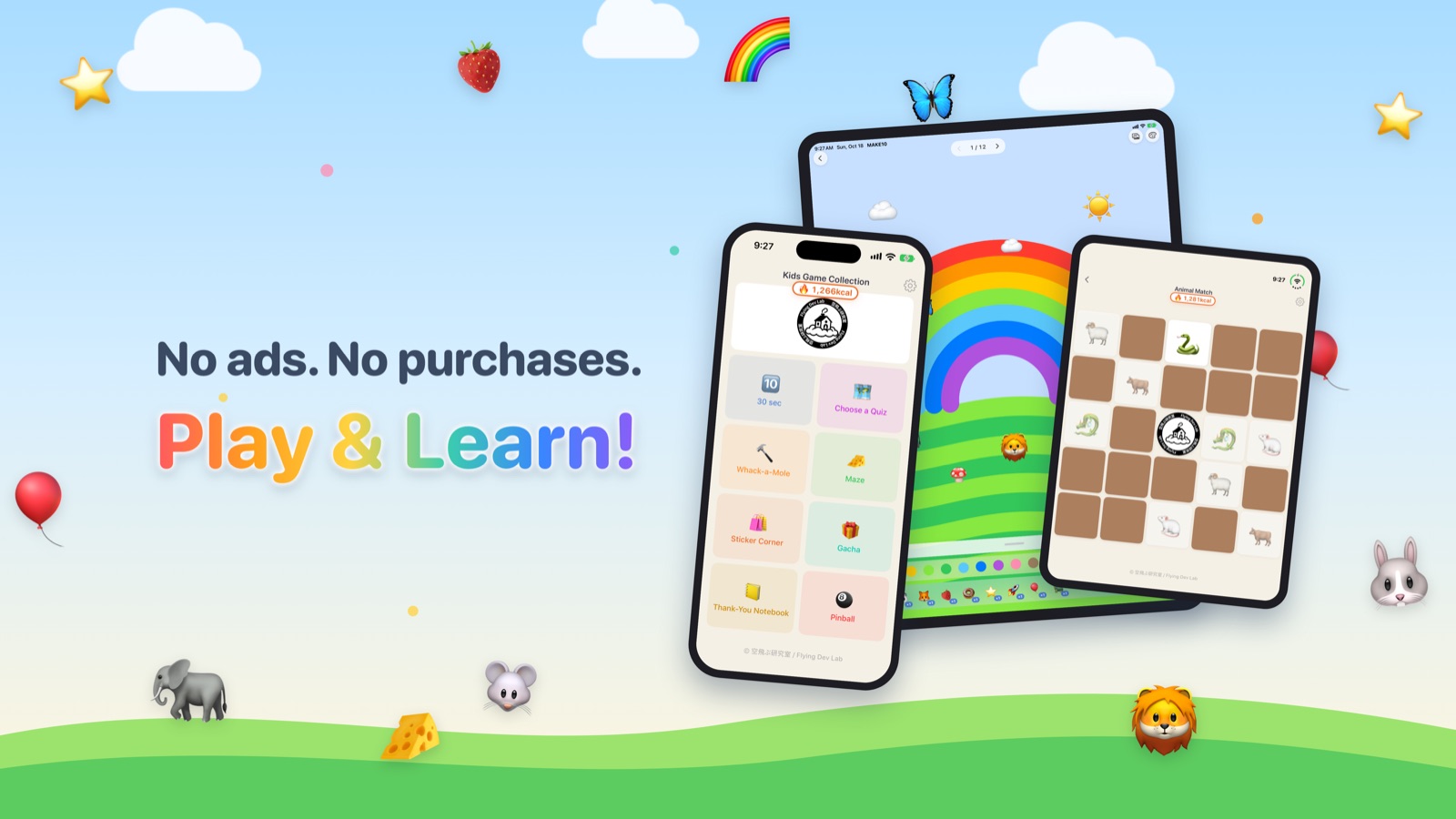
A safe game collection made for kids.
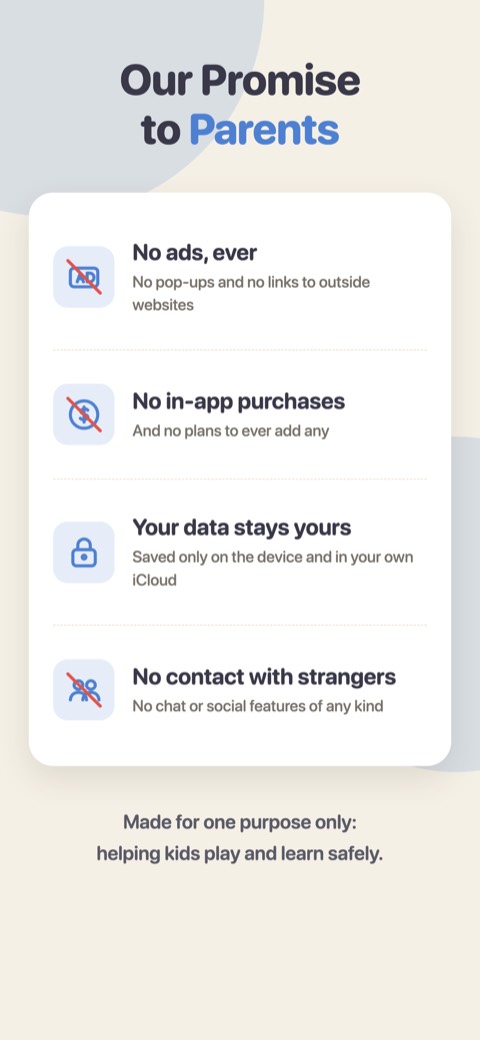
No ads, no in-app purchases, no personal data collected. Works without an internet connection.

Download on the App Store
Kids Games by Flying Dev Lab
🚫📊
No Data Collection
☁️🔒
Your records can be saved only to your own iCloud
🚫🎯
No Ads, Ever
🚫🔗
No External Links

📸 Screenshots

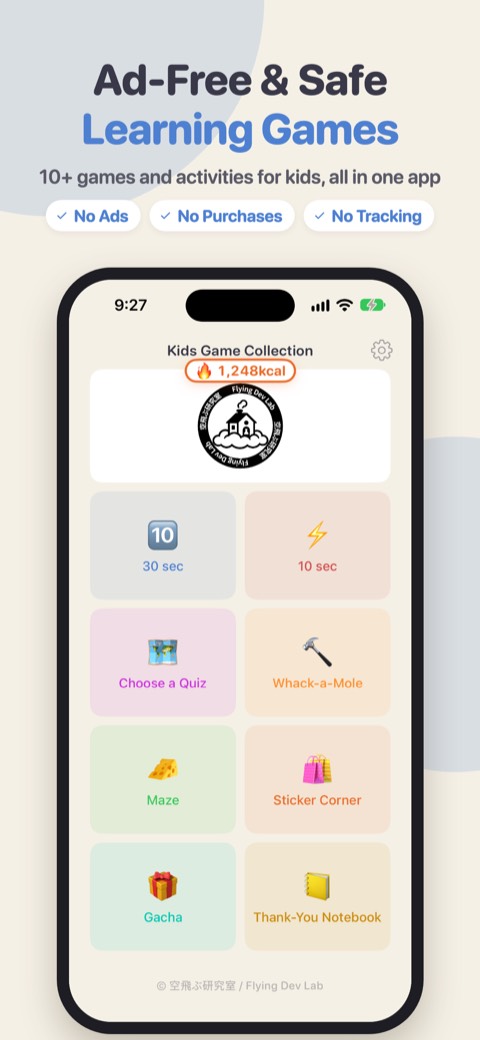
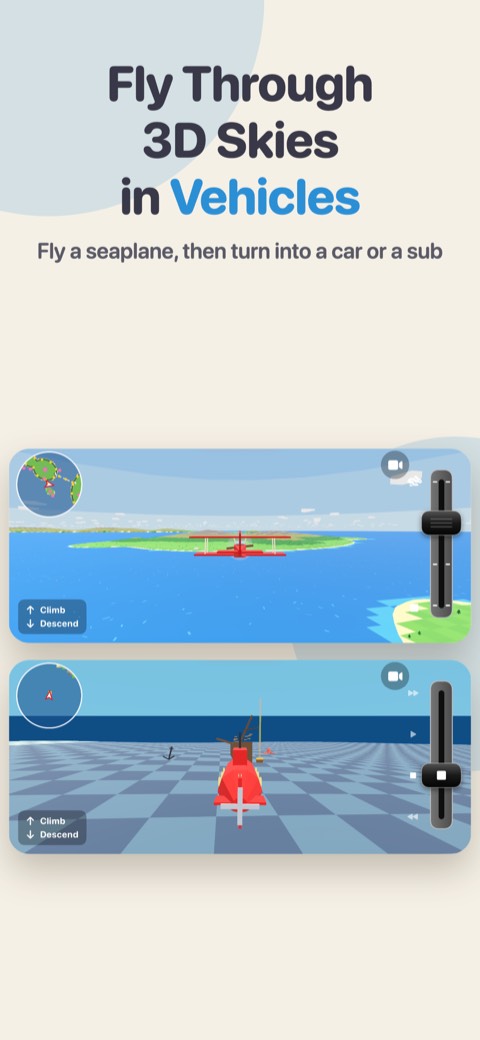
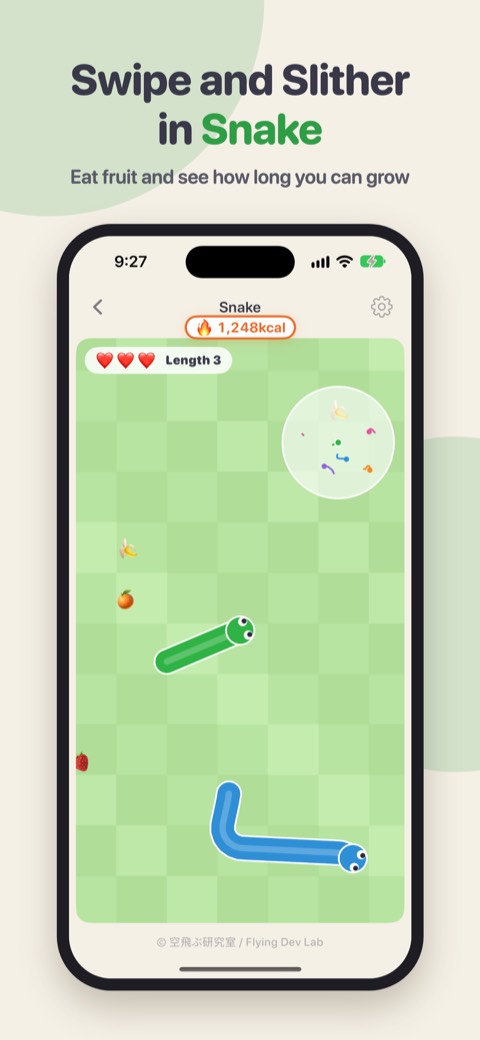
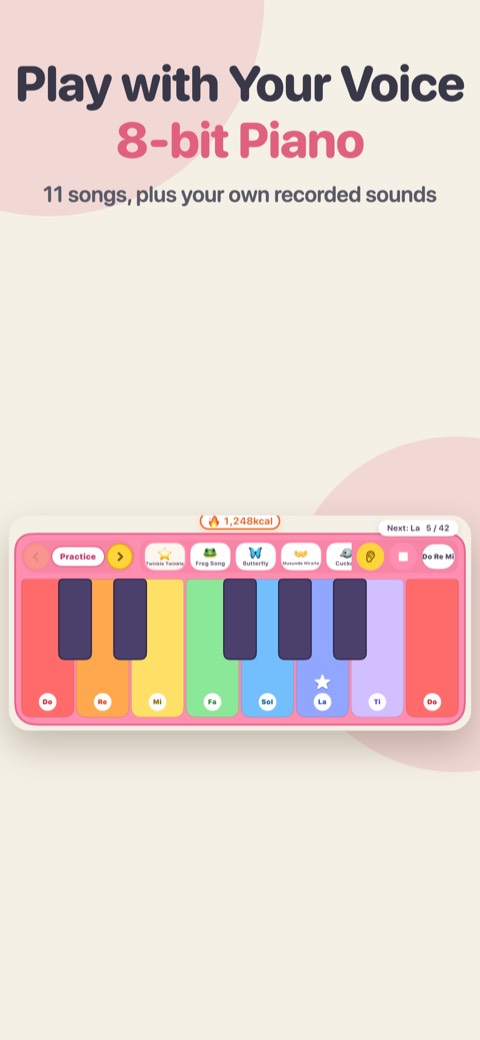
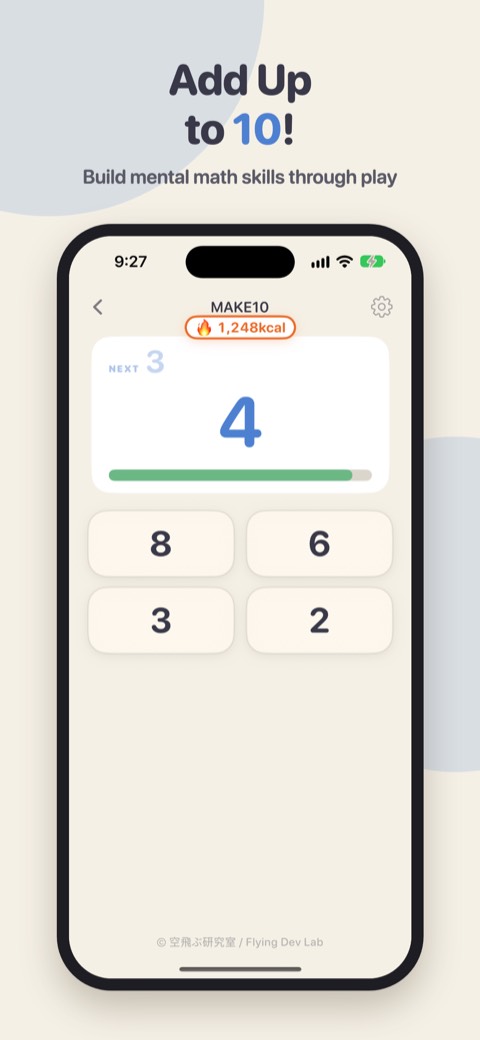
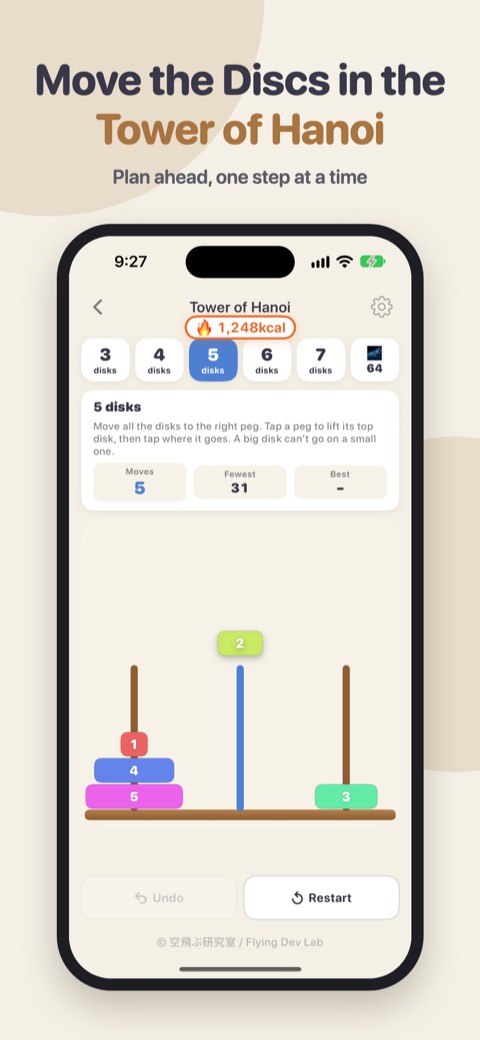
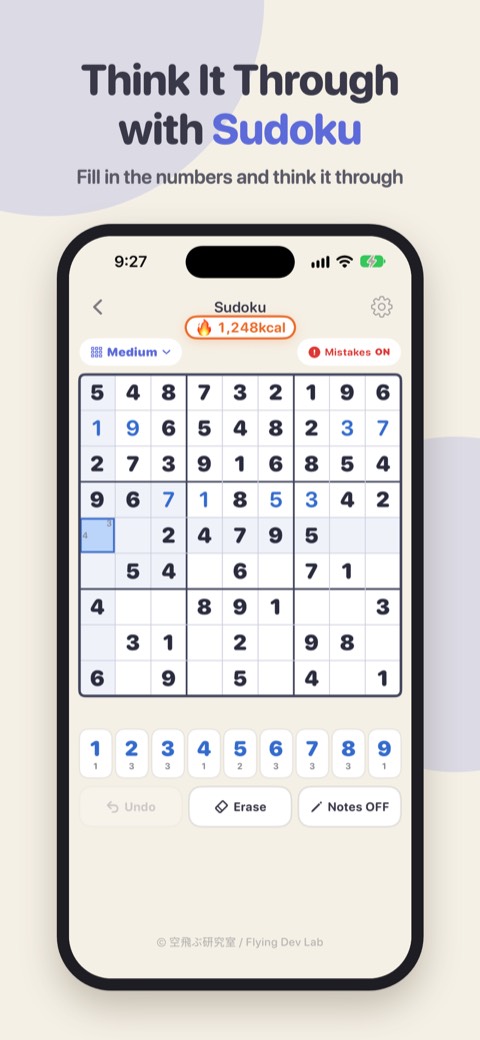
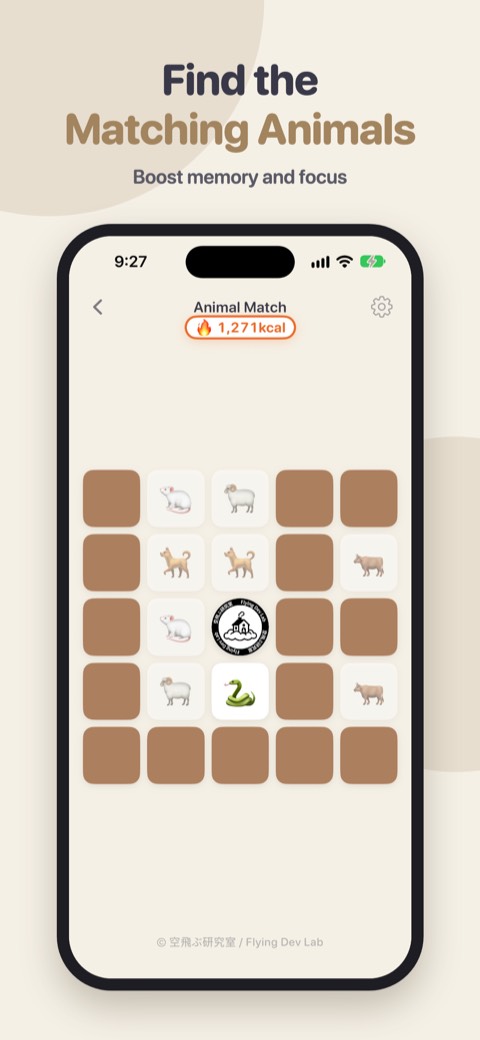
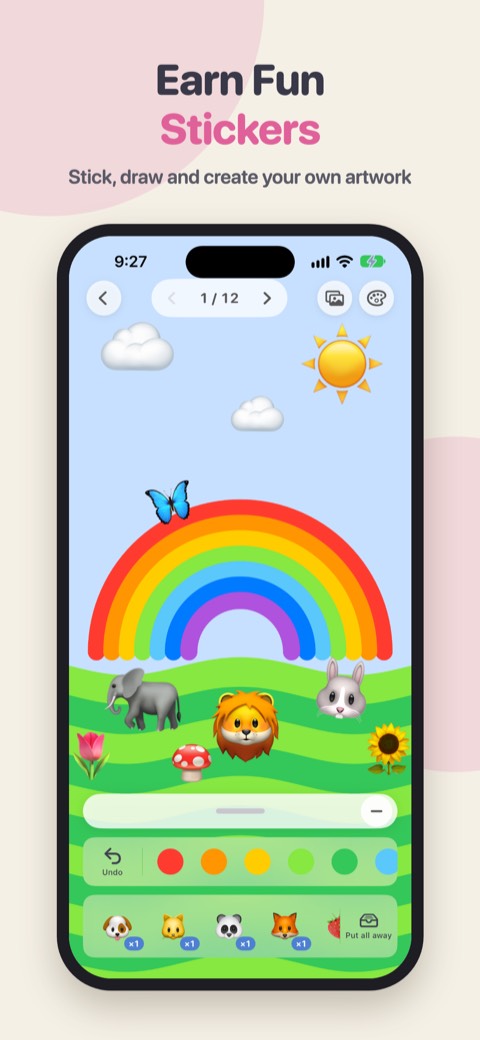
Ad-Free & Safe Learning Games: 10+ games and activities for kids, all in one appOur Promise to Parents: No ads, ever, No in-app purchases, Your data stays yours, No contact with strangersFly Through 3D Skies in Vehicles: Fly a seaplane, then turn into a car or a subSwipe and Slither in Snake: Eat fruit and see how long you can growPlay with Your Voice 8-bit Piano: 11 songs, plus your own recorded soundsAdd Up to 10!: Build mental math skills through playMove the Discs in the Tower of Hanoi: Plan ahead, one step at a timeThink It Through with Sudoku: Fill in the numbers and think it throughFind the Matching Animals: Boost memory and focusEarn Fun Stickers: Stick, draw and create your own artwork

✨ Key features

Games

  • MAKE10 – tap number cards to make 10
  • Whack-a-Mole – tap the moles before they hide
  • Maze (Cheese Quest) – collect the cheese and blast mice away with stored-up shockwaves
  • Pinball – hit the ball back with the flippers
  • Emoji Quiz – animals, world flags and airport codes
  • Coin Drop – drop coins and merge them
  • Command Janken – rock-paper-scissors with a twist: win, or lose on purpose, just as the command says
  • Ten Puzzle – make 10 with four numbers and + − × ÷
  • Animal Match – a memory game with animal, fruit, star sign and month cards
  • Sticker Book & Drawing – place stickers and draw freely on 12 pages
  • Snake – steer with a finger anywhere on the screen and eat fruit to grow longer
  • 8-bit Piano – practice 11 songs on a toy piano, or play it with your own voice
  • Tower of Hanoi – move the discs one at a time to the right-hand peg
  • Vehicles – fly a seaplane through a 3D world and transform into a sports car, submarine or twin-boom plane
  • River Crossing, Klotski, Huarong Dao, Hakoiri Musume and Sudoku – puzzles to think through
  • Chess – learn the rules in lessons, then play against the computer
  • Make a Sticker – turn your drawings or photos into your own stickers

8-bit Piano

  • Practice – 11 songs such as Twinkle, Twinkle, Little Star. Tap Listen to hear the song, then Play Along by pressing the keys that light up
  • Four sounds and three octaves to play with
  • Voice piano – record your voice once, then play do-re-mi with it
  • Sound box – put claps and everyday sounds on 13 keys and play with them

Vehicles

Fly a red seaplane over a 3D world of tropical islands.
Stop on land to become a sports car, on the water to become a submarine, or on a runway to become a fast twin-boom plane.
Pop balloons in the sky, drive through gates, and search sunken ships under the sea for treasure chests.

Thank-You Notebook

Three small missions arrive every day, like "Say thank you to the person who made your meal" or "Say good night." Check them off and choose who you told. Look back on all your thank-yous in the calendar and the summary.

Your Drawing as Wallpaper

Turn your drawing into the background of the title screen and the games. Move the drawing tools around or fold them away to draw on the whole screen.

Energy and Stickers

Playing games fills up your Energy (measured in kcal). Use it to spin the Gacha, or trade it for stickers at the Sticker Corner, whose lineup changes every day. There are 273 stickers to collect, and you can see them all in the Sticker Collection. Stickers you don't use can be turned back into Energy. Finish each game for the first time each day to get bonus Energy. Energy only grows by playing — there is no way to buy it with money.

Quizzes About the World

Try the flags of every UN member country (199 countries and regions), plus airport codes from Japan, China, Germany, France, the USA, the Netherlands and over 4,000 airports around the world. Look-alike flags appear side by side, so you learn what makes each one different.

For Parents

  • Progress can be saved to your own iCloud, so you can keep playing on a new device (the studio can't see it; you can turn it off in Settings)
  • A gentle break reminder appears after 30 minutes of continuous play (you can turn it off in Settings)
  • Sound effects and vibration can each be turned on or off
  • Works on iPhone, iPad and iPhone Duo — including landscape, Split View and Stage Manager on iPad
  • Available in 15 languages
  • Voices and sounds recorded in the piano are saved only on this device (they are not sent to iCloud)
Download on the App Store

Privacy Policy & Support

Effective: December 1, 2026

1Overview

Kids Games is a free collection of simple games for children, developed by Flying Dev Lab (空飛ぶ研究室).

Kids Games does not collect any personal information — from anyone, of any age. The studio never receives or sees your data.

This policy describes what data Kids Games does and does not handle, and confirms our commitment to keeping the app completely safe for children.

2Information We Collect

We collect nothing.

Kids Games does not collect, request, or store any of the following:

• Name, email address, or contact information
• Device identifiers or advertising IDs
• Location data
• Usage analytics or behavioral data
• Cookies or tracking technologies
• Any other personal or non-personal information

3Saving to iCloud

So that play records (sticker book drawings, stickers, energy, high scores, the Thank-You Notebook, and so on) can be restored after changing devices or reinstalling, Kids Games can save them to Apple's iCloud.

• They are saved to the private area of the iCloud account of the Apple Account signed in on the device.
• Only that Apple Account can read this area. No one else, including the studio, can see it.
• Nothing is sent to the studio's servers or to any other company.
• Turn off Settings → "Save to iCloud" in the app to keep records on the device only. Devices not signed in to iCloud also keep records on the device only.
• Records saved in iCloud can be deleted from the device's Settings → [your name] → iCloud.

Apple's Privacy Policy applies to iCloud.

4Camera & Photos

The sticker-making feature can take a photo with the camera. The device asks for permission before the camera is first used.

• Stickers made from photos are saved only on the device and in the iCloud area described above.
• They are not sent to the studio or any other company, and are not saved to the Photos app.
• Throwing away a sticker deletes it from the device and from iCloud.

5Microphone & Recording

In 8-bit Piano, “Voice piano” and “Sound box” can record voices and everyday sounds with the microphone. The device asks for permission before the microphone is first used.

• Recording happens only while the record button or a key is held down (up to 2 seconds at a time).
• Recorded sounds are saved only on this device. They are not sent to iCloud, the studio, or any other company.
• Recording again replaces the old sound. Sounds are deleted by erasing them, by resetting everything in Settings, or by deleting the app.

6Network Activity

Kids Games communicates only with Apple's iCloud, and only for the iCloud saving described above. It makes no other connections. All features work without an internet connection.

No data is sent to Flying Dev Lab, third-party analytics services, or advertising networks.

7Advertising & In-App Purchases

Kids Games contains no advertisements of any kind.

Kids Games contains no in-app purchases. The app is completely free.

There are no links to external websites, social media, or other apps within Kids Games.

8Children's Privacy (COPPA)

Kids Games is designed for children and complies fully with the Children's Online Privacy Protection Act (COPPA) and applicable international children's privacy laws.

We collect no personal information from anyone. Records saved to iCloud stay in your own Apple Account; the studio does not receive them.

We do not knowingly collect information from children under 13 (or any age).

9Open Source

Kids Games is open-sourced on GitHub as a transparency measure. Anyone can inspect the source code to verify our privacy claims.

→ github.com/FlyingDevLab

10Changes to This Policy

If this policy is ever updated, the new version will be posted on this page with a revised effective date.

11Disclaimer

While we strive to provide accurate content and stable functionality, we do not guarantee the completeness, accuracy, or uninterrupted operation of the App.

iOS updates, changes in device environment, or the state of iCloud may affect app behavior without prior notice. The Studio shall not be liable for any data loss resulting from such changes.

The Studio may terminate or modify the App without prior notice.

📬 Support & Contact

You can send anonymous feedback or requests via the contact form at our official website.

If you prefer email, please reach out using the address below.

🌐 flyingdevlab.com

Download on the App Store